
Best Tools for Managing Creative Projects
Okay, so you’re a creative. Whether you’re a graphic designer, a video editor, a writer, or a musician, you’re probably amazing at creating stuff. But let’s be honest, keeping all those creative projects organized? That’s a whole different ballgame. Juggling deadlines, feedback, revisions, and team members can feel like herding cats. It’s enough to make anyone want to hide under a blanket with a tub of ice cream.
But fear not, fellow creative! There’s no need to resign yourself to a life of chaotic project management. The digital world is overflowing with awesome tools designed to help you wrangle those wild creative beasts. From simple to-do lists to sophisticated project management platforms, there’s something out there for every creative soul and every project size. The key is finding the tools that fit your workflow and help you stay on top of things without stifling your creativity.

This isn’t about turning you into a corporate drone. It’s about freeing up your mental energy so you can focus on what you do best: being creative! We’re going to dive into some of the best project management tools for creatives, breaking down their features, pros, and cons, so you can choose the perfect weapons for your organizational arsenal. Get ready to say goodbye to project chaos and hello to a world where deadlines are met, feedback is clear, and your creativity can truly shine!
The Essentials of Creative Project Management
Before we jump into the tools themselves, let’s quickly cover some of the key elements of effective creative project management. Understanding these principles will help you choose the right tools and use them effectively.
Clear Communication
Miscommunication is the bane of any creative project. Ensuring everyone is on the same page, from the initial brief to the final revisions, is crucial. Look for tools that facilitate easy communication, such as built-in messaging, comment sections, and real-time collaboration features.
Effective Task Management
Breaking down large projects into smaller, manageable tasks is essential. The ability to assign tasks, set deadlines, and track progress is a must-have feature in any project management tool. Consider features like Kanban boards, Gantt charts, and to-do lists.
Seamless Collaboration
Creative projects are often collaborative efforts. Tools that allow for easy file sharing, version control, and feedback integration are vital for ensuring a smooth workflow. Look for features like shared workspaces, real-time editing, and annotation tools.
Time Tracking
Knowing where your time is going is essential for improving efficiency and accurately pricing your services. Time tracking features allow you to monitor how long each task takes, helping you identify areas where you can streamline your process.
Feedback Management
Gathering and incorporating feedback is a critical part of the creative process. Tools that facilitate easy feedback collection, annotation, and revision tracking can save you a lot of time and headaches.
Top Project Management Tools for Creative Teams
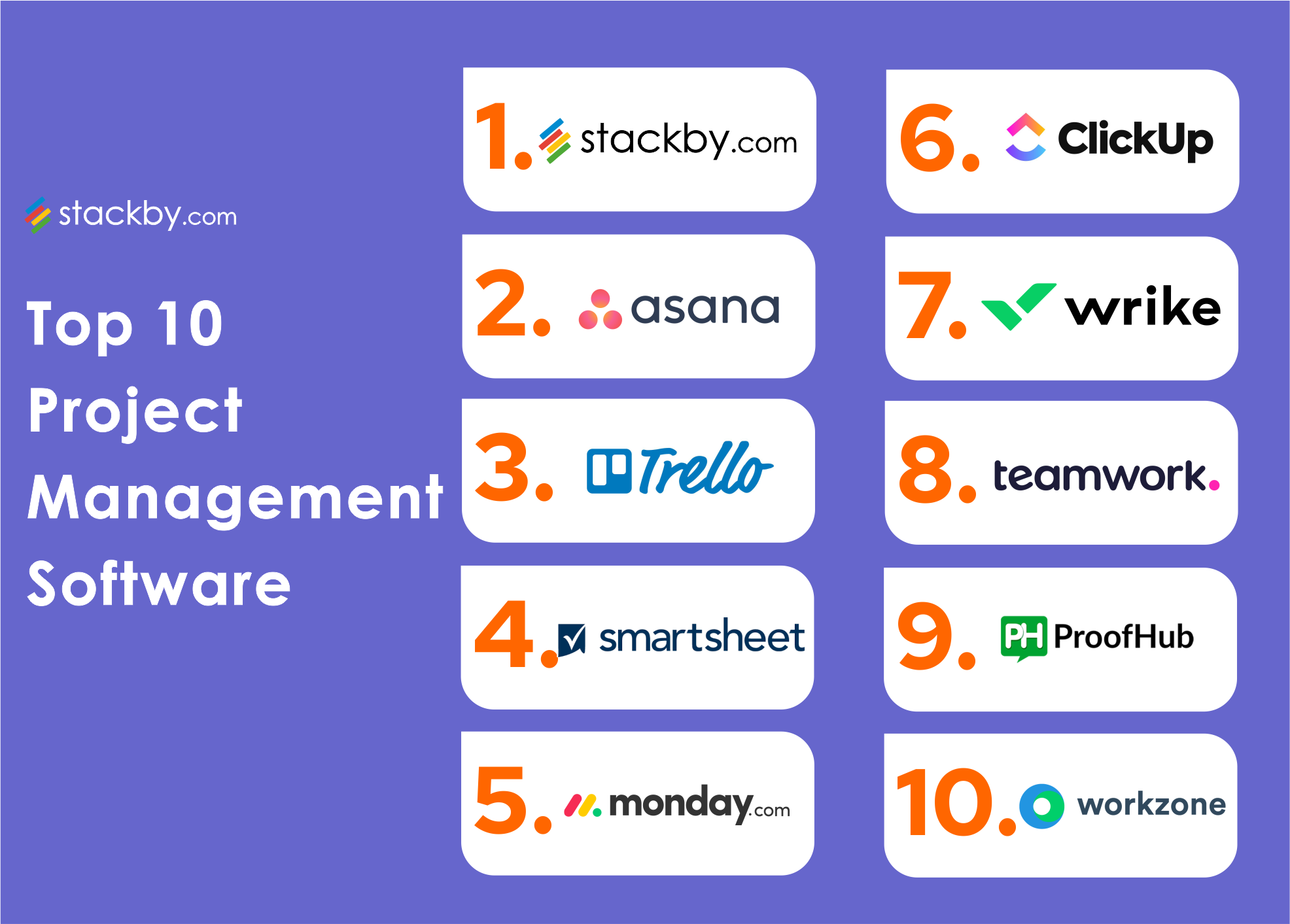
Now, let’s get to the good stuff! Here’s a rundown of some of the best project management tools for creative teams, along with their key features and why they might be a good fit for you.
Asana: The Versatile Workhorse
Asana is a popular project management tool known for its versatility and user-friendly interface. It’s a great option for teams of all sizes and can be customized to fit a variety of creative workflows.
- Key Features: Task management, Kanban boards, Gantt charts, calendar view, file sharing, team communication, automation, integrations with other apps.
- Pros: Highly customizable, easy to use, robust features, excellent mobile app.
- Cons: Can be overwhelming for very small teams or individuals, pricing can be a barrier for some.
- Why it’s great for creatives: Asana’s flexibility allows creatives to tailor it to their specific needs. The visual task management features are great for visualizing progress, and the collaboration tools make it easy to keep everyone on the same page.
Trello: The Kanban King
Trello is a simple and visual project management tool based on the Kanban board system. It’s incredibly intuitive and easy to learn, making it a great option for individuals and small teams.
- Key Features: Kanban boards, list creation, card assignment, deadline setting, file attachments, checklists, power-ups (integrations).
- Pros: Very easy to use, visually appealing, free plan available, highly customizable with power-ups.
- Cons: Limited features compared to more robust tools, can become cluttered with large projects, not ideal for complex dependencies.
- Why it’s great for creatives: Trello’s visual nature makes it perfect for brainstorming, organizing ideas, and tracking progress on creative tasks. The drag-and-drop interface is intuitive and fun to use.
Monday.com: The Visual Powerhouse
Monday.com is a highly visual and intuitive project management platform that’s designed to be easy to use and highly collaborative. It’s a great option for teams that want a visually appealing and engaging way to manage their projects.

- Key Features: Customizable boards, Gantt charts, calendar view, automation, integrations with other apps, time tracking, reporting.
- Pros: Visually appealing, highly customizable, easy to use, strong collaboration features.
- Cons: Can be expensive, pricing is based on the number of users, can be overwhelming for very small teams.
- Why it’s great for creatives: Monday.com’s visual nature and customizable boards make it easy to create a project management system that’s tailored to your specific creative workflow. The automation features can also help streamline repetitive tasks.
Wrike: The Enterprise-Grade Solution
Wrike is a robust project management platform designed for larger teams and complex projects. It offers a wide range of features and integrations, making it a powerful tool for managing complex creative workflows.
- Key Features: Task management, Gantt charts, Kanban boards, resource management, time tracking, reporting, automation, integrations with other apps.
- Pros: Powerful features, highly customizable, excellent for managing complex projects, strong reporting capabilities.
- Cons: Can be complex to learn, expensive, not ideal for small teams or individuals.
- Why it’s great for creatives: Wrike’s robust features and customization options make it a great choice for creative teams that need to manage complex projects with multiple stakeholders. The resource management and reporting features can also help improve efficiency and track progress.
Basecamp: The All-in-One Hub
Basecamp is an all-in-one project management and communication tool that’s designed to keep everything related to a project in one place. It’s a great option for teams that want a simple and streamlined way to manage their projects and communicate with each other.
- Key Features: Task management, to-do lists, message boards, file sharing, real-time chat, calendar, automatic check-ins.
- Pros: Simple and easy to use, all-in-one platform, good for communication and collaboration, fixed pricing regardless of the number of users.
- Cons: Limited features compared to more specialized tools, not ideal for complex project management, lacks advanced reporting capabilities.
- Why it’s great for creatives: Basecamp’s simplicity and all-in-one nature make it a great option for creative teams that want a straightforward way to manage their projects and communicate with each other. The message boards and real-time chat features make it easy to keep everyone on the same page.
Specialized Tools for Specific Creative Needs
While the tools above are great all-around options, some creative fields have specific needs that are better addressed by specialized software.
For Video Editors: Frame.io
Frame.io is a cloud-based video review and collaboration platform specifically designed for video editors. It allows editors to easily share work with clients and collaborators, gather feedback, and manage revisions.
For Designers: Figma
Figma is a web-based design tool that allows designers to collaborate in real-time on design projects. It’s a great option for teams that need to work together on complex design projects.
For Writers: Google Docs
Okay, it’s not just for writers, but Google Docs is a powerful and free tool for collaborative writing. Real-time editing, commenting, and version history make it a writer’s best friend. Choosing the right tools is crucial for success, and assessing project needs is the first step Best Project Management Software to facilitate effective collaboration and task execution
.
Choosing the Right Tool for You
So, which tool is right for you? Here are a few things to consider:
Team Size and Structure
Are you a solo freelancer or part of a large team? Some tools are better suited for smaller teams, while others are designed for larger organizations.
Project Complexity
Are you working on simple projects or complex ones with multiple dependencies? Choose a tool that can handle the complexity of your projects.
Budget
Project management tools range in price from free to hundreds of dollars per month. Consider your budget when choosing a tool.
Workflow Preferences
Do you prefer a visual Kanban board or a more traditional Gantt chart? Choose a tool that aligns with your preferred workflow.
Trial and Error
The best way to find the right tool is to try a few different options. Most tools offer free trials, so take advantage of them!
Final Thoughts: Embrace the Chaos, But Organize It!
Creative projects are inherently messy. There will always be unexpected challenges, last-minute revisions, and moments of pure creative chaos. But with the right tools in place, you can embrace the chaos and still stay on top of things. So, take some time to explore the options, experiment with different tools, and find the ones that work best for you and your team. Happy creating!
Frequently Asked Questions (FAQ) about Best Tools for Managing Creative Projects
What are the best project management tools for creative teams who need to collaborate on visual assets and track revisions effectively?
For creative teams heavily reliant on visual assets, tools offering robust features for collaboration and version control are essential. Adobe Workfront is a powerful option providing enterprise-level project management with excellent integration with the Adobe Creative Cloud suite. This allows seamless asset management, review processes, and approval workflows directly within the tools designers use daily. Asana is another popular choice, known for its flexibility and visual task management. Features like custom fields and integrations with various file storage services enable teams to track revisions, provide feedback, and maintain a clear audit trail. Monday.com is also a strong contender, offering visually appealing dashboards and customizable workflows that can be tailored to creative project needs. Selecting the right tool depends on the team’s size, budget, and specific workflow requirements.
How do I choose the right project management software for a small creative agency with a limited budget and a focus on client communication?
Small creative agencies with limited budgets need affordable and efficient project management solutions. Trello offers a free plan with significant functionality, making it an excellent starting point. Its Kanban-style boards are intuitive and easy to use for task management and workflow visualization. ClickUp is another strong contender, offering a generous free plan and a wide range of features, including task dependencies, time tracking, and custom views. For enhanced client communication, consider tools like Wrike (although paid, it offers a free trial) or Asana, which provide client portals and guest access, allowing you to share project progress, gather feedback, and manage approvals seamlessly. Prioritize tools that offer seamless integration with existing communication platforms like Slack or email to streamline communication further. Consider the number of projects and users when evaluating free plans, as limitations may apply.
What are some essential features to look for in project management software specifically designed for managing complex creative campaigns involving multiple stakeholders?
Managing complex creative campaigns with multiple stakeholders requires project management software with specific capabilities. Robust workflow automation is crucial to streamline repetitive tasks, such as approvals and notifications. Advanced reporting and analytics provide insights into project performance, resource allocation, and potential bottlenecks. Look for features like Gantt charts, critical path analysis, and burn-down charts to track progress effectively. Strong collaboration tools, including real-time commenting, file sharing, and version control, are essential for keeping everyone on the same page. Resource management features allow you to allocate resources effectively, track availability, and prevent over-allocation. Finally, integration with other essential tools, such as CRM, marketing automation platforms, and accounting software, is vital for a seamless workflow. Tools like Workfront, monday.com, and Wrike are often recommended for these complex scenarios.


