
Best Tools with Built-in Chat & File Sharing
Ever feel like you’re juggling a million different apps just to keep your team connected and projects moving? Slack for chat, Google Drive for files, Zoom for meetings… it’s a digital circus! And let’s be honest, switching between them all is a productivity killer. It’s like trying to cook a gourmet meal using only a microwave and a rusty spork.
Thankfully, the tech world heard our collective sigh of frustration and started rolling out tools that combine the best of both worlds: seamless communication and efficient file sharing. We’re talking about platforms that let you chat with your colleagues, brainstorm ideas, and share crucial documents, all within the same environment. Think of it as your digital Swiss Army knife – a single tool that tackles multiple tasks with ease.
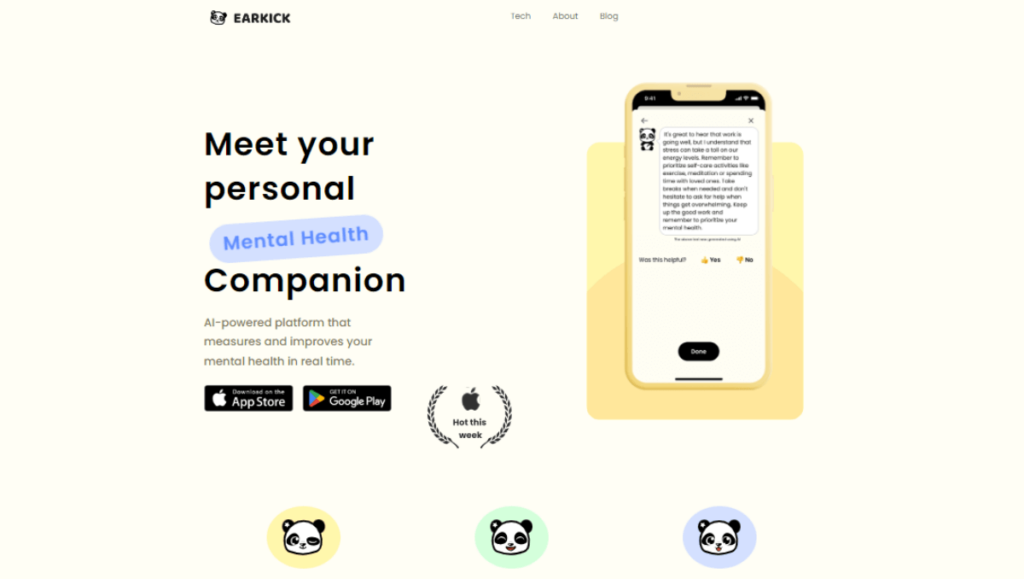
So, ditch the app-switching headache and get ready to streamline your workflow! We’ve compiled a list of the best tools with built-in chat and file sharing capabilities, designed to boost your team’s productivity and keep everyone on the same page. Get ready to say goodbye to scattered files and hello to a more organized, collaborative, and frankly, less stressful work life. Let’s dive in!
Best Tools with Built-in Chat & File Sharing
Choosing the right tool for your team depends heavily on your specific needs, team size, and the type of projects you’re working on. However, some platforms consistently stand out for their robust features, user-friendliness, and overall effectiveness. Here are some of the top contenders:
Microsoft Teams: The All-rounder for Microsoft Ecosystem Users
If your organization is already heavily invested in the Microsoft ecosystem (think Office 365, now Microsoft 365), then Microsoft Teams is a no-brainer. It’s deeply integrated with other Microsoft apps, making it a natural fit for many businesses. Think of it as the central hub for all your Microsoft-related workflows.
- Chat Functionality: Teams offers robust chat features, including private messages, channels for specific topics or projects, and the ability to @mention colleagues to grab their attention. You can also use GIFs, emojis, and stickers to add a bit of personality to your conversations.
- File Sharing: Files shared in Teams are stored in SharePoint, making it easy to access, collaborate on, and manage documents. You can co-author documents in real-time, track changes, and ensure everyone is working with the latest version.
- Video Conferencing: Teams is also a powerful video conferencing platform, allowing you to host meetings, webinars, and presentations. Features like screen sharing, recording, and virtual backgrounds enhance the meeting experience.
- Integration with Microsoft Apps: The tight integration with other Microsoft apps like Word, Excel, PowerPoint, and OneNote is a major advantage. You can easily access and edit these files directly within Teams, without having to switch between applications.
- Pricing: Teams is typically included with Microsoft 365 subscriptions, making it a cost-effective solution for organizations already using Microsoft products.
Slack: The OG Collaboration Platform
Slack is arguably the pioneer of modern team communication and collaboration. It’s known for its user-friendly interface, extensive integrations, and its vibrant app ecosystem. While it might not be directly bundled with other office suites like Teams, its flexibility and customization options make it a popular choice for many teams.
- Chat Functionality: Slack’s chat features are highly customizable, allowing you to create channels for different projects, teams, or topics. You can also use threads to keep conversations organized and avoid cluttering the main channel.
- File Sharing: Slack allows you to easily share files with your colleagues, and it integrates with popular cloud storage services like Google Drive, Dropbox, and OneDrive. You can also preview files directly within Slack, without having to download them.
- App Integrations: Slack’s app ecosystem is vast, offering integrations with hundreds of third-party tools, from project management software to CRM systems. This allows you to connect Slack to your existing workflows and automate tasks.
- User-Friendly Interface: Slack’s interface is clean, intuitive, and easy to navigate. It’s also highly customizable, allowing you to personalize the look and feel of your workspace.
- Pricing: Slack offers a free plan with limited features, as well as paid plans that unlock additional storage, integrations, and features.
Asana: Project Management Meets Communication
While primarily a project management tool, Asana has significantly enhanced its communication features to become a true collaboration platform. It’s ideal for teams that need a structured way to manage tasks, track progress, and communicate effectively.
- Task-Based Communication: Asana’s communication features are tightly integrated with its task management system. You can discuss tasks, share files, and provide updates directly within the task itself, keeping all relevant information in one place.
- File Sharing: Asana allows you to attach files to tasks and projects, making it easy to share documents, images, and other relevant materials. It also integrates with popular cloud storage services like Google Drive, Dropbox, and Box.
- Project Discussions: Asana provides dedicated spaces for project discussions, allowing team members to brainstorm ideas, share feedback, and ask questions.
- Progress Tracking: Asana’s reporting and analytics features allow you to track project progress, identify bottlenecks, and ensure that projects are on schedule.
- Pricing: Asana offers a free plan for small teams, as well as paid plans that unlock additional features and storage.
Monday.com: The Visually Driven Workflow Platform
Monday.com is known for its visually appealing and highly customizable interface. It’s a great option for teams that need a flexible platform to manage projects, track progress, and communicate effectively. Its visual nature makes it easy to understand project status at a glance.
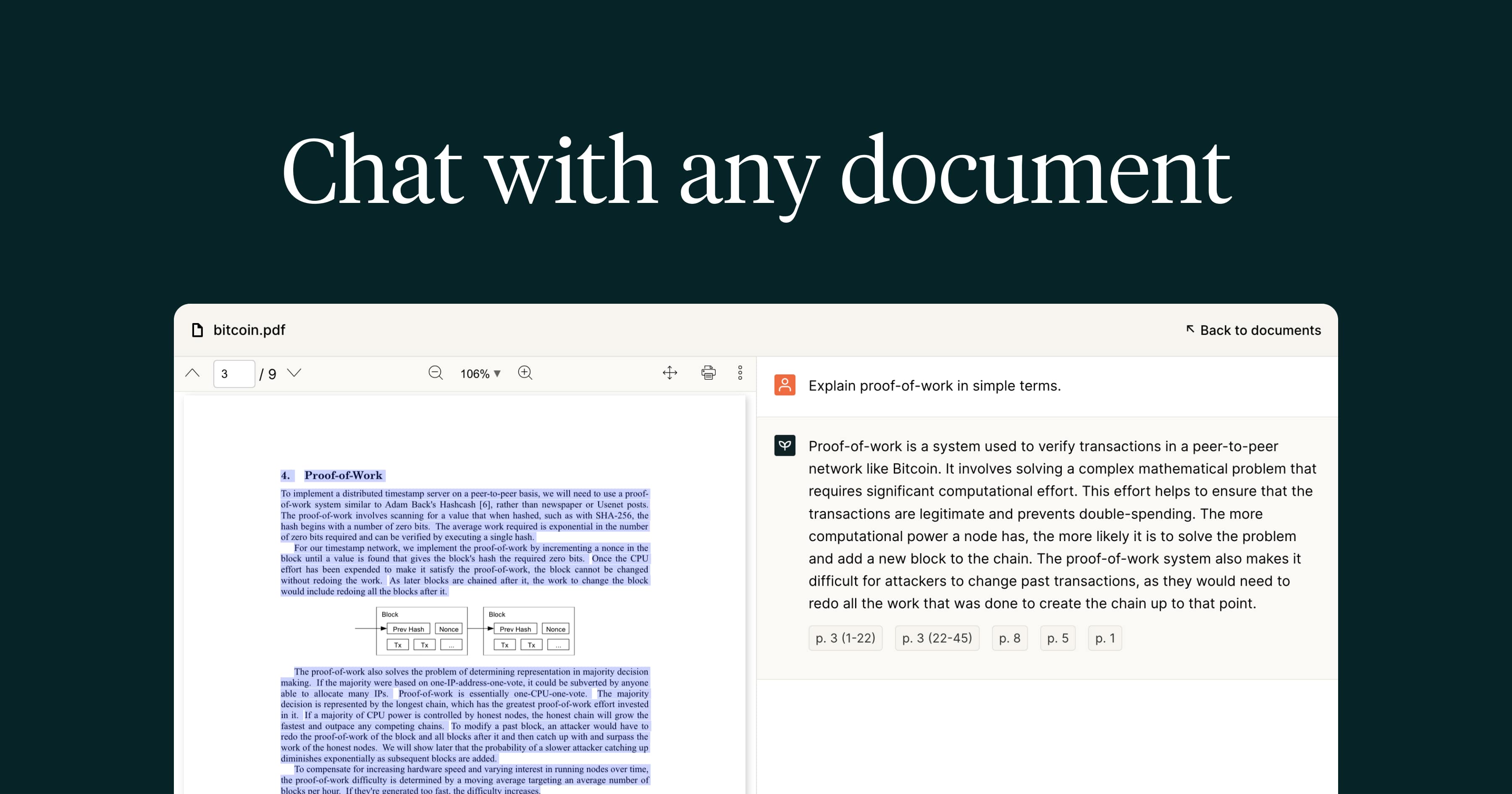
- Visual Project Management: Monday.com uses visual boards and timelines to help teams manage projects and track progress. You can customize these boards to fit your specific needs and workflows.
- Communication within Tasks: Similar to Asana, Monday.com allows you to communicate directly within tasks, keeping all relevant information in one place.
- File Sharing: Monday.com allows you to attach files to tasks and projects, and it integrates with popular cloud storage services.
- Automation: Monday.com offers powerful automation features that can help you streamline workflows and reduce manual tasks.
- Pricing: Monday.com offers a free plan for individuals, as well as paid plans that unlock additional features and storage.
Google Workspace (Formerly G Suite): Seamless Integration for Google Users
If your team is already using Google’s suite of productivity apps (Gmail, Google Docs, Google Sheets, etc.), then Google Workspace is a natural choice. While not a single, unified platform like Teams or Slack, its components work seamlessly together to provide a comprehensive communication and collaboration solution.
- Google Chat: Google Chat (formerly Hangouts Chat) provides a dedicated space for team communication. You can create rooms for specific projects or topics, and use threads to keep conversations organized.
- Google Drive: Google Drive is the central hub for file storage and sharing in Google Workspace. You can easily share files with your colleagues, collaborate on documents in real-time, and track changes.
- Google Meet: Google Meet is Google’s video conferencing platform, allowing you to host meetings, webinars, and presentations.
- Seamless Integration: The tight integration between Google’s apps is a major advantage. You can easily access and edit files directly from Gmail, Google Chat, or Google Meet.
- Pricing: Google Workspace offers various subscription plans with different storage and feature options.
Factors to Consider When Choosing a Tool
With so many options available, choosing the right tool for your team can feel overwhelming. Here are some factors to consider:
Team Size and Structure
The size and structure of your team will influence your choice of tool. Small teams might be able to get by with a simpler platform, while larger teams may need a more robust solution with advanced features. Also, consider if your team is primarily co-located or distributed, as this will impact the importance of features like video conferencing and real-time collaboration.
Project Complexity
The complexity of your projects will also play a role in your decision. If you’re working on simple projects with few dependencies, a basic chat and file sharing tool might suffice. However, if you’re working on complex projects with multiple stakeholders, you’ll need a more sophisticated platform with project management features.
Integration with Existing Tools
Consider how well the tool integrates with your existing workflow and other applications. If you’re already using specific project management software, CRM systems, or other tools, you’ll want to choose a platform that integrates seamlessly with them.
Budget
Of course, budget is always a consideration. Many tools offer free plans with limited features, as well as paid plans that unlock additional functionality. Carefully evaluate your needs and choose a plan that fits your budget.
User-Friendliness
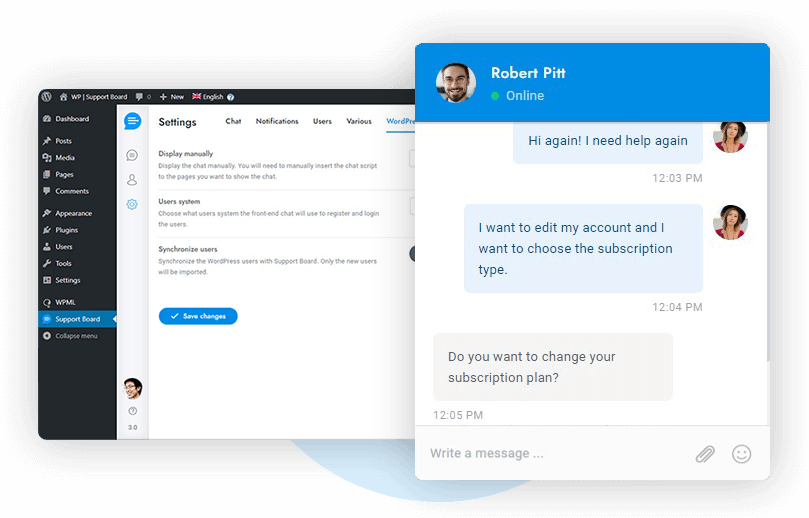
Finally, consider the user-friendliness of the tool. Choose a platform that is easy to learn and use, so that your team can quickly adopt it and start being productive. A tool with a steep learning curve can actually hinder productivity rather than improve it. Considering the importance of organization, a vital step is determining what features are most necessary Best Project Management Software for teams to effectively collaborate
.
Conclusion: Streamline Your Workflow and Boost Productivity
In today’s fast-paced work environment, effective communication and collaboration are essential for success. By choosing a tool with built-in chat and file sharing capabilities, you can streamline your workflow, boost productivity, and keep your team on the same page. Take the time to evaluate your needs, consider the factors discussed above, and choose a platform that fits your specific requirements. Ditch the app-switching chaos and embrace a more organized and collaborative work life!
Frequently Asked Questions (FAQ) about Best Tools with Built-in Chat & File Sharing
What are the best project management tools with integrated chat and file sharing capabilities for small teams?
For small teams seeking effective project management tools with integrated chat and file sharing, several options stand out. Asana offers robust task management alongside basic chat features and file attachments. Monday.com provides a highly visual and customizable platform with integrated communication and file storage. ClickUp is another powerful option, known for its extensive feature set, including chat, document sharing, and goal tracking, all within a single platform. Trello, with its Kanban-style boards, can be enhanced with Power-Ups to integrate chat tools like Slack or file sharing from Google Drive or Dropbox. Consider your team’s specific needs and workflow to determine the best fit, focusing on ease of use, scalability, and the depth of integration between project management, chat, and file sharing features.
How do I choose a secure collaboration platform with built-in chat and file sharing to protect sensitive data?
Selecting a secure collaboration platform with integrated chat and file sharing requires careful consideration of security features. Look for platforms that offer end-to-end encryption for both chat messages and files at rest and in transit. Two-factor authentication (2FA) is crucial for preventing unauthorized access. Ensure the platform complies with relevant industry regulations such as GDPR, HIPAA, or SOC 2, depending on the type of sensitive data you handle. Review the vendor’s security policies and incident response plan. Consider platforms that offer data loss prevention (DLP) features to prevent sensitive data from leaving the platform. Finally, evaluate access controls and permissions to ensure that only authorized users can access specific files and conversations. Examples include Microsoft Teams, Slack (with Enterprise Grid), and Tresorit.
What are the benefits of using a unified communication tool with built-in chat, file sharing, and video conferencing compared to separate apps?
Using a unified communication tool with built-in chat, file sharing, and video conferencing offers several advantages over using separate applications. A primary benefit is improved efficiency and productivity. Having all communication channels in one place reduces the need to switch between apps, saving time and minimizing distractions. Enhanced collaboration is another key advantage, as team members can seamlessly transition from chat to video calls while sharing relevant files within the same interface. This streamlined workflow fosters better communication and faster decision-making. Furthermore, a unified platform often leads to cost savings by consolidating subscription fees and IT support. Finally, improved data security and compliance are often easier to manage within a single platform compared to integrating multiple, disparate apps. Popular options include Microsoft Teams, Zoom Workplace (formerly Zoom One), and Google Workspace.


